The site-measure app for fitters
Made by a cladding workshop, for the people measuring in the plant room. It lives at measure.cladfab.ie, and all it needs is a free CladFab account.
What it does
Site Measure is a phone app for taking cladding measurements on site and getting them to our workshop without retyping. Sign in once and it works offline all day, so a plant room with no signal is not a problem. It runs in the phone’s browser, with big buttons for a gloved hand.
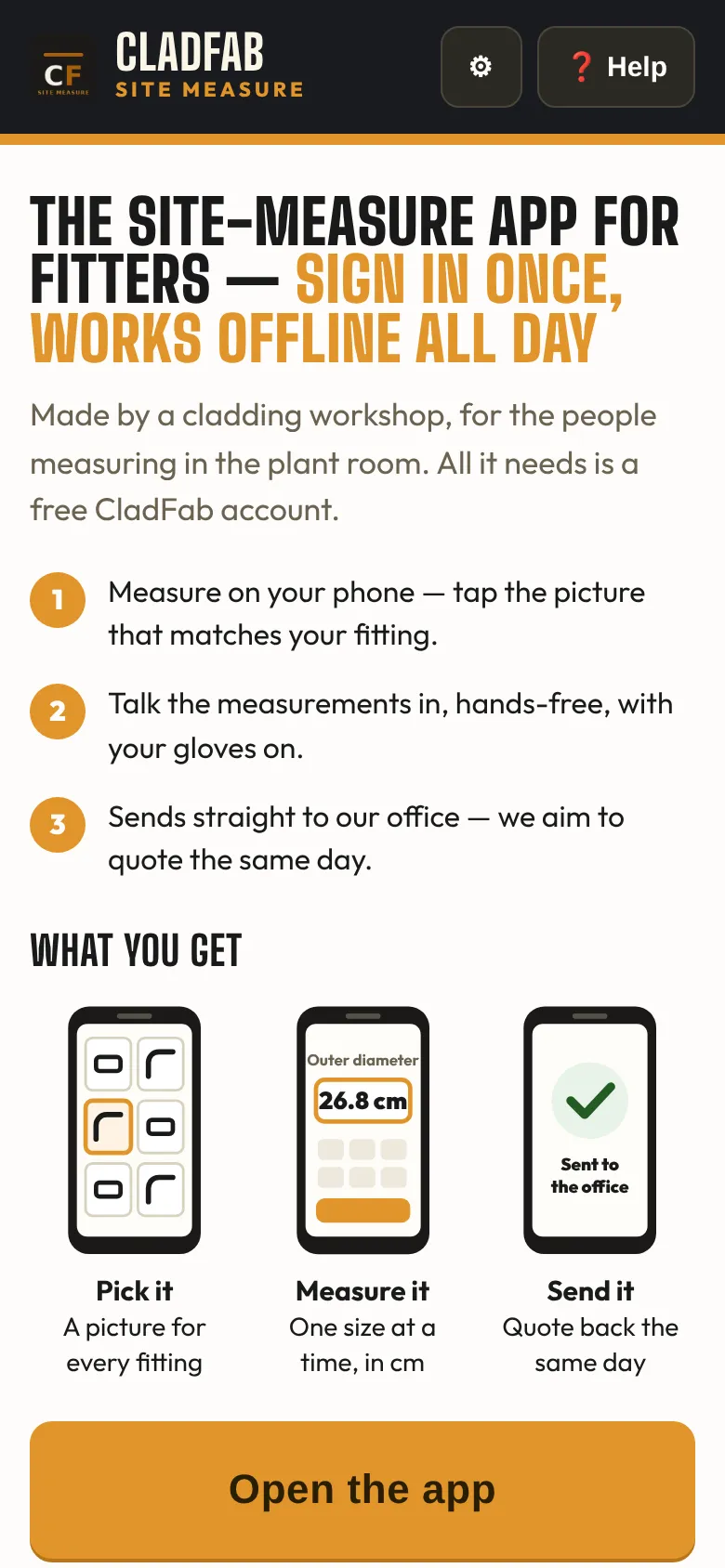
- Measure on your phone: tap the picture that matches your fitting.
- Talk the measurements in, hands-free, with your gloves on.
- Send it straight to our office, and we aim to quote the same day.
Cladding or ducting
At the top of the home screen you pick what you are measuring. Cladding is over the insulation: measure the outside of the lagging and the app adds our 0.3 cm allowance. Ducting is the bare metal duct itself, measured inside to inside. Cladding a bare duct? Stay on Cladding and pick the bare duct plus insulation thickness option, and the insulation is added each side. Sizes are in centimetres, and straight runs are in MTRS.
Measuring a fitting
Pick the fitting from the pictures, give the job a few details so the workshop knows what it is for, then answer one size at a time. Each step shows a drawing and says where to put the tape. Where a fitting has a standard build it starts from it, so you mostly type the size. Type 0 if a flat or collar is not there. You can open a live 3D view to check the shape; it is an illustration, and the listed measurements are what we cut to.
The app checks what you type, and it knows the same limits as our website, such as the smallest size we make a radius bend at. It still pays to check the drawing, sizes and fittings yourself before you send.
Talk it in, or snap the sketch
- Talk it in: on any measuring step, tap and say the number in centimetres.
- Walk the job: talk the whole job through and the app drafts the list for you to check, fitting by fitting.
- Send sketch photos: snap the page of your notebook and it lands in our office.
- Custom or other fitting: not on the list? Take a photo and send it with your notes.
Jobs and sending
Add each fitting to the job as you go. When the whole job is measured, send the job list from the home screen in one go. Your name goes on every measurement you send, so the workshop knows who measured it.
The office app is the quickest way: it lands straight on our office screen with no typing at our end. You can also send by email or WhatsApp, share a picture with the drawing and the 3D view, or save a picture sheet to print. My jobs keeps every site’s list on the phone, and Saved sends shows whether each send has reached the office.
On a laptop instead?
The same work can be done at a desk on cladfab.ie, with your free CladFab account: the fitting calculators draw each shape as you type, and the Take-off prices a whole list. New to measuring for cladding? Start with how to measure pipe for cladding.
Open the app
On your phone, go to measure.cladfab.ie and sign in with your CladFab account. No account yet? Open a free CladFab account first.
Next step
Send the sizes, a drawing, a schedule or a photo and we aim to quote the same day. Sending a job is a quote request, not an order. Rather talk it through? Ring or WhatsApp the workshop on +353 87 212 6144, Mon–Fri 07:30–17:00.
Send a job to quoteFor plumbing & heating contractors · Guides · Trade terms · FAQ · Contact